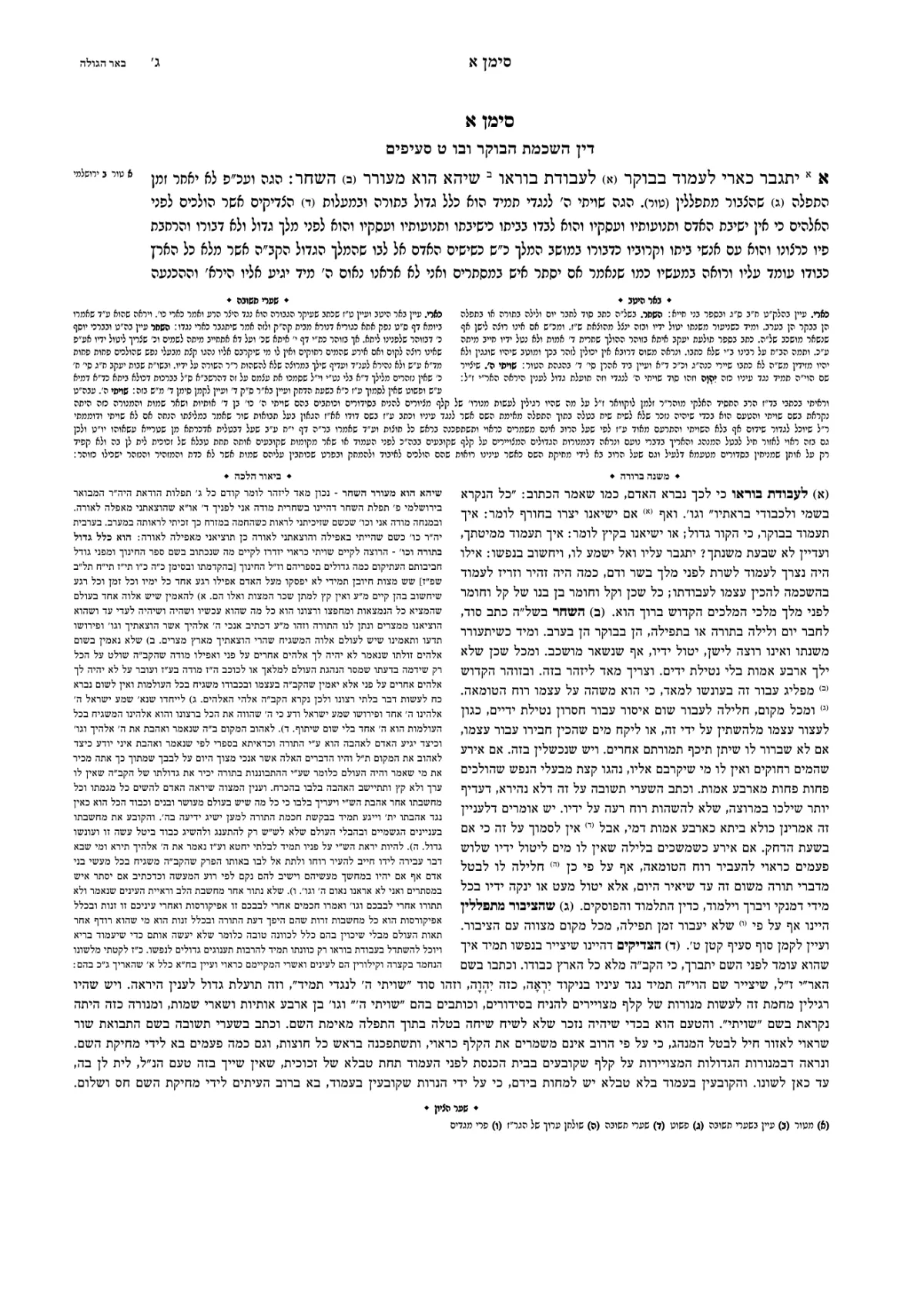
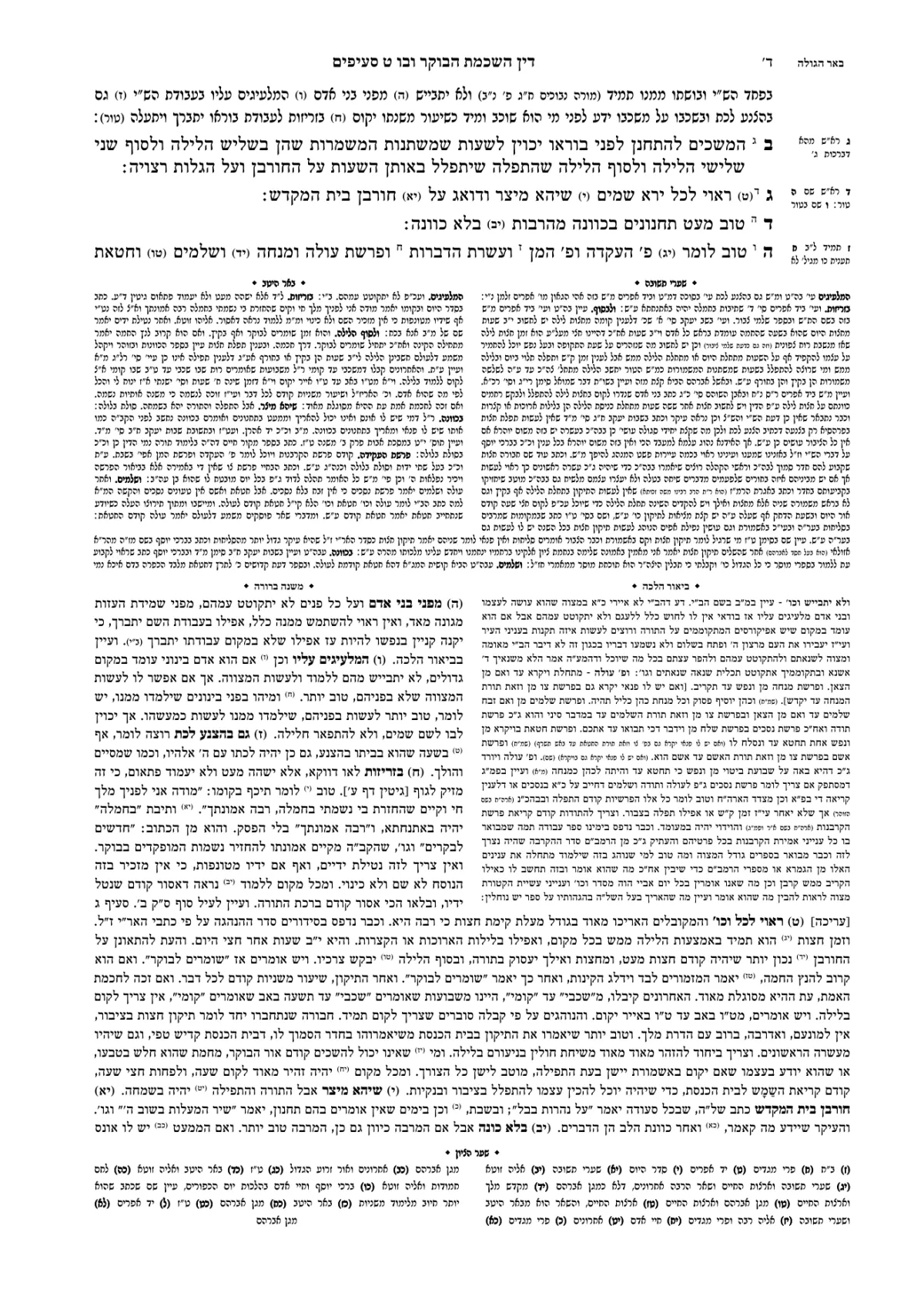
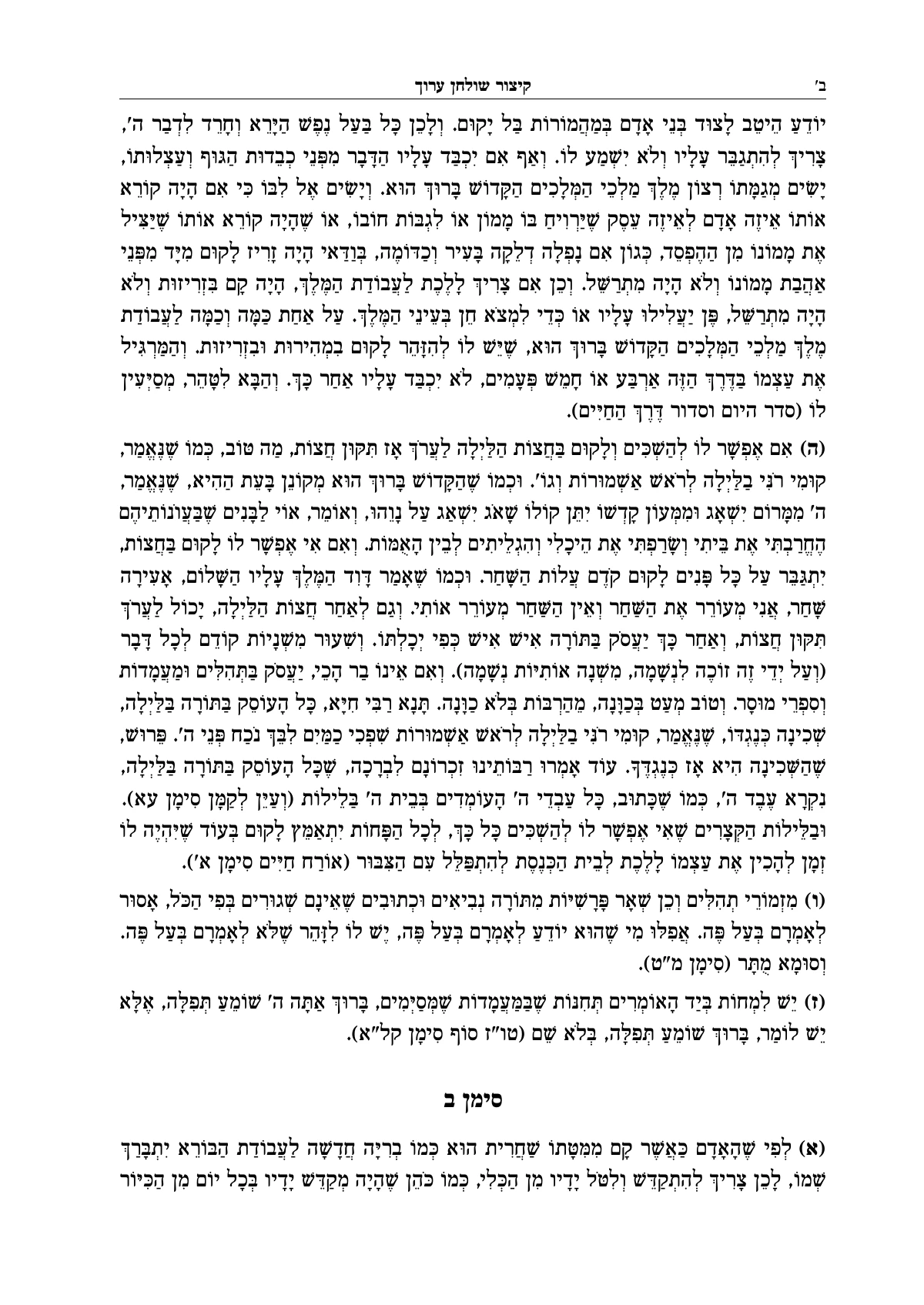
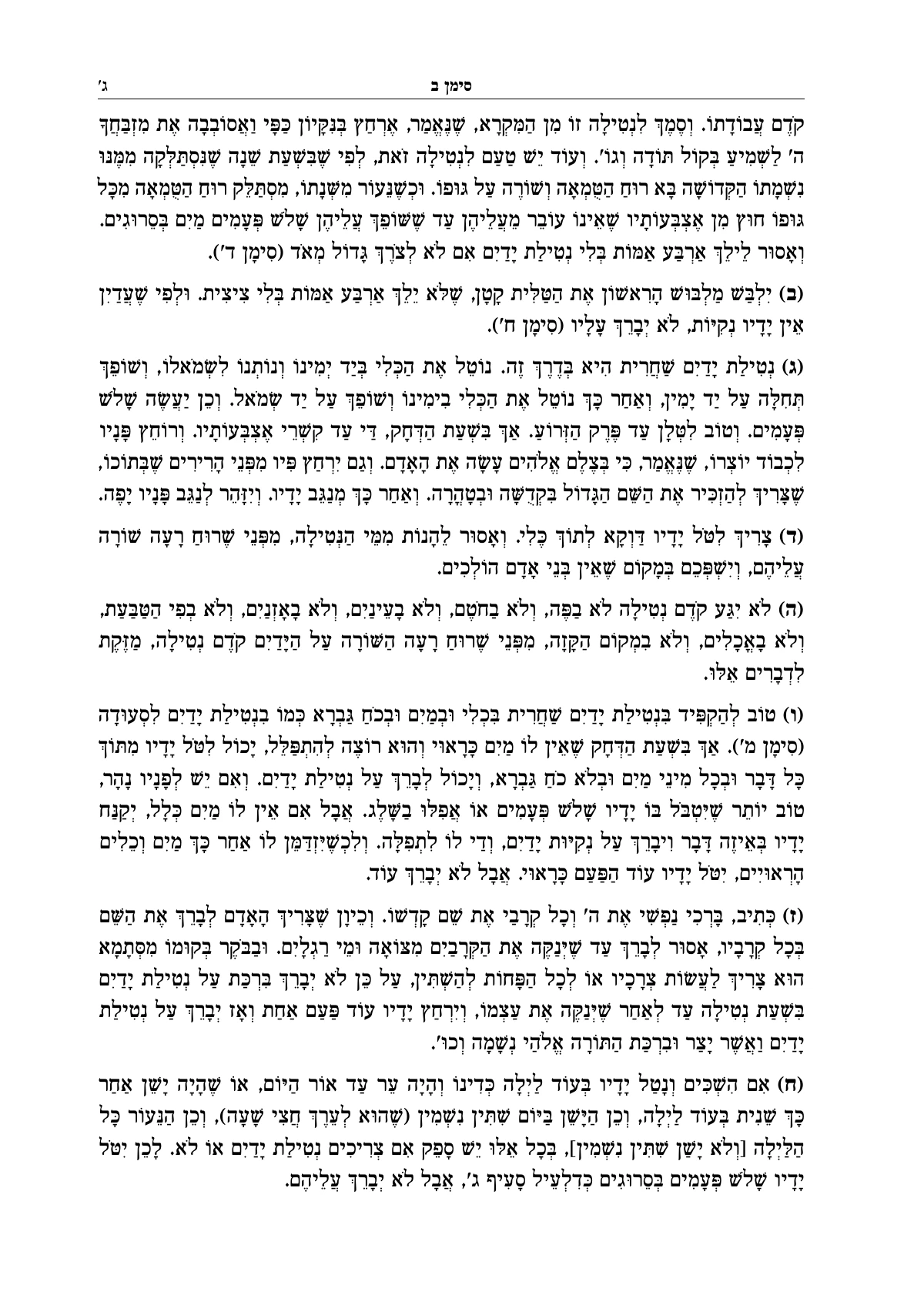
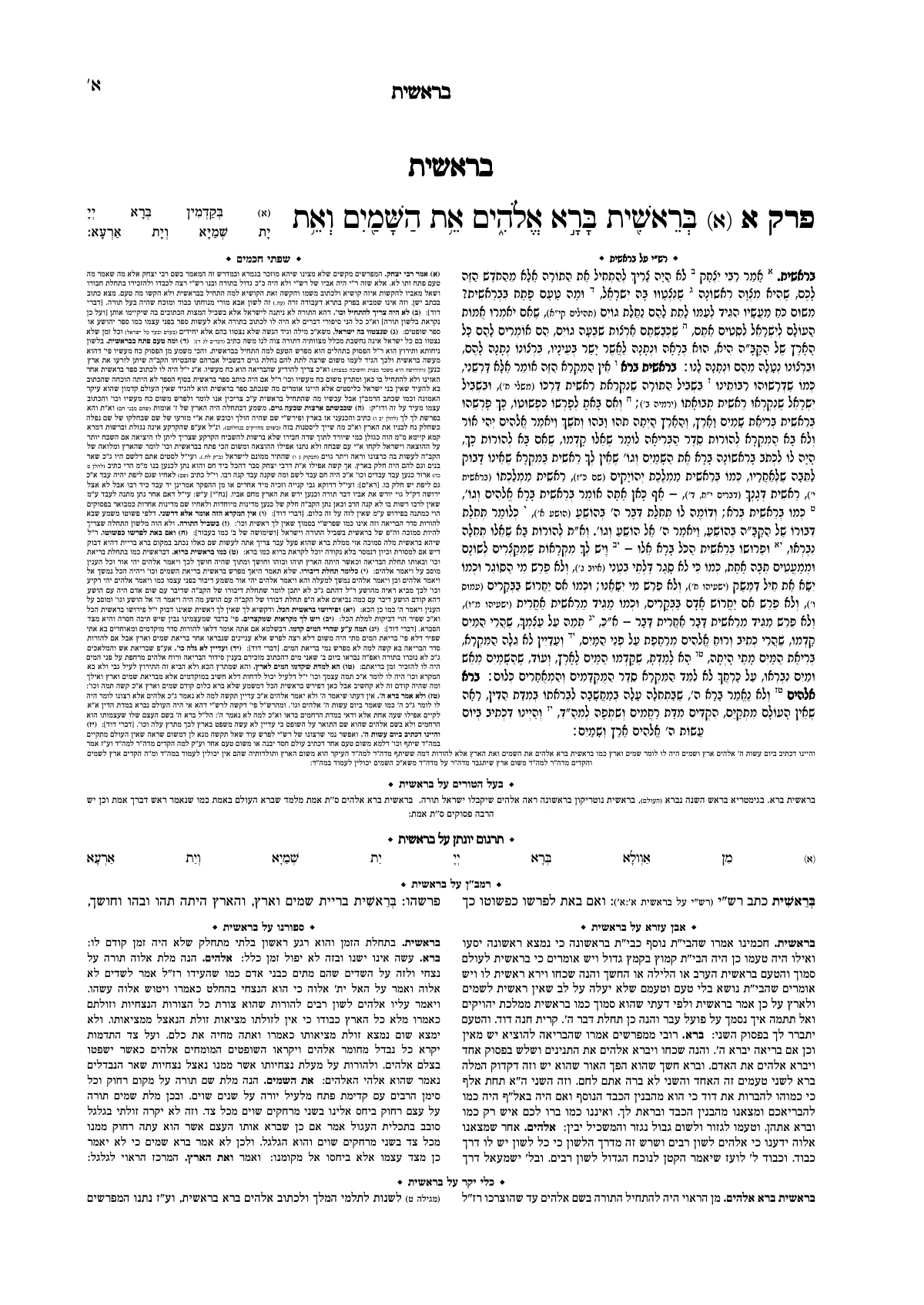
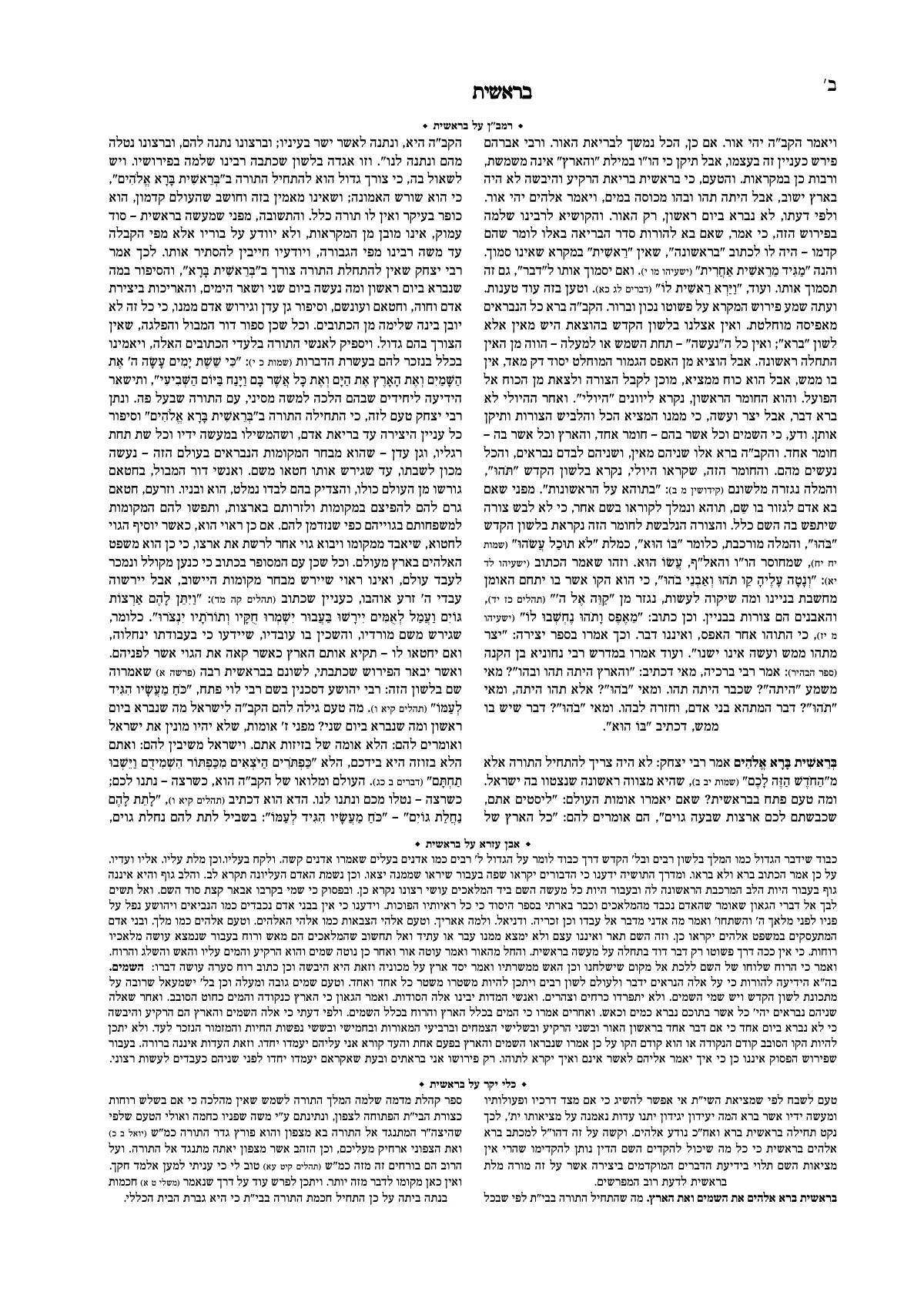
A sefer looks professionally printed because of the details
A reader can't always say why one sefer looks dignified and another looks like a printed file. The difference is in the small things: a title page that holds the page, an ornament at the end of a chapter, a running head that tells you where you are, and a table of contents whose page numbers are right. In October all of these were added to the Ariach studio, and you can use every one of them without knowing anything about design.
The title page and the back of the title page
Every book has a title page, and the back of the title page too. You can choose a ready-made title page, with a background image and a frame, and change any line of it right on the page: clicking a line opens the same paragraph style screen, with the type, the place on the page and the ornament.
If you already wrote the title page's lines at the top of your file (the name of the sefer, the author, the place and the year), you don't need to copy them. Select the lines, and the Assistant suggests how to divide them into fields: what goes on the title page, what goes on its back, and what stays in the text. Correct the suggestion and create it, and the lines leave the text in one step, which can be undone like any other.
ספר
אורות היום
חיברתיו בעזרת השם
Ornaments and frames, and a place for each
The studio has 148 built-in ornaments in 11 styles, from classic to Eastern, plus the ornaments in the ornament fonts. Every ornament is drawn in outlines, so it stays sharp at any size and in any print. An ornament is given a place beside the text: above it, below it, at the sides or all around, and at the end of a chapter too.
- עלה קיסוס
- עלה קיסוס שוכב
- שושנה
- ענף דפנה
- משושה
- משושה ונקודה
- קצה: טבעת
- קצה: ריבוע חלול
- מניפה
- קשתות זריחה
- קצה: קווי מהירות
- קצה: מניפה
- סהר
- סהר וכוכב
- קצה: סהר
- עלה
- נבט
- ענף קווי
- ענף זית
- כתר
- רימון
- כוכב מתומן
- ריבועים שלובים
- קצה: כוכב מתומן
A chapter-end ornament stands after the text that comes before each heading in the style you chose, and at the end of the section. When a heading falls at the top of a page, the ornament doesn't leave an empty space above it: it stands at the bottom of the previous page, if there is room there.
A library of your own images and ornaments
Besides the built-in ornaments, every organization has a library of its own, arranged in collections. Upload an SVG or PNG file and use it as an ornament or a frame. A frame can be built from parts (a corner, a side and an ornament in the middle), or from a single image that is cut into nine pieces and stretched to fit any size of text.
An image can also be used as a page background: on the title page, or on every page, faded so the text stays readable, and mirrored on even pages. An image whose resolution is too low for print is flagged with a warning before you get to the print shop. And there is a section of image pages, in which every page is a single image, such as a scanned haskamah.
The table of contents and running head, on the page
The table of contents builds itself from the sefer's headings, and its page numbers are always right. You change it on the page itself: clicking a line selects its whole level and opens a toolbar above it for size, bold, indent, and what stands between the name and the page number. A level can be set in columns, or run on after the level above it.
The running head can stand in six places, at the top of the page and at the bottom, with the name of the sefer, the name of the chapter and the page number in Hebrew letters or as daf and amud. It has an ornament and a frame too, like every paragraph style.
No time for all this? A ready-made design
A new book from Word or Otzaria already opens with a title page, and a design you worked on can be kept as a template for the next books, or taken from another book. Everything described here is also in the ready-made designs. A ready-made design can be for the whole book, or for one part of it (just the title page, just the notes). Hovering over a design shows it on your own sefer's pages before you choose, and choosing is a single step that can be undone. And if you're still deciding how to begin, read the step-by-step guide to typesetting a sefer.