Where Word stops being enough
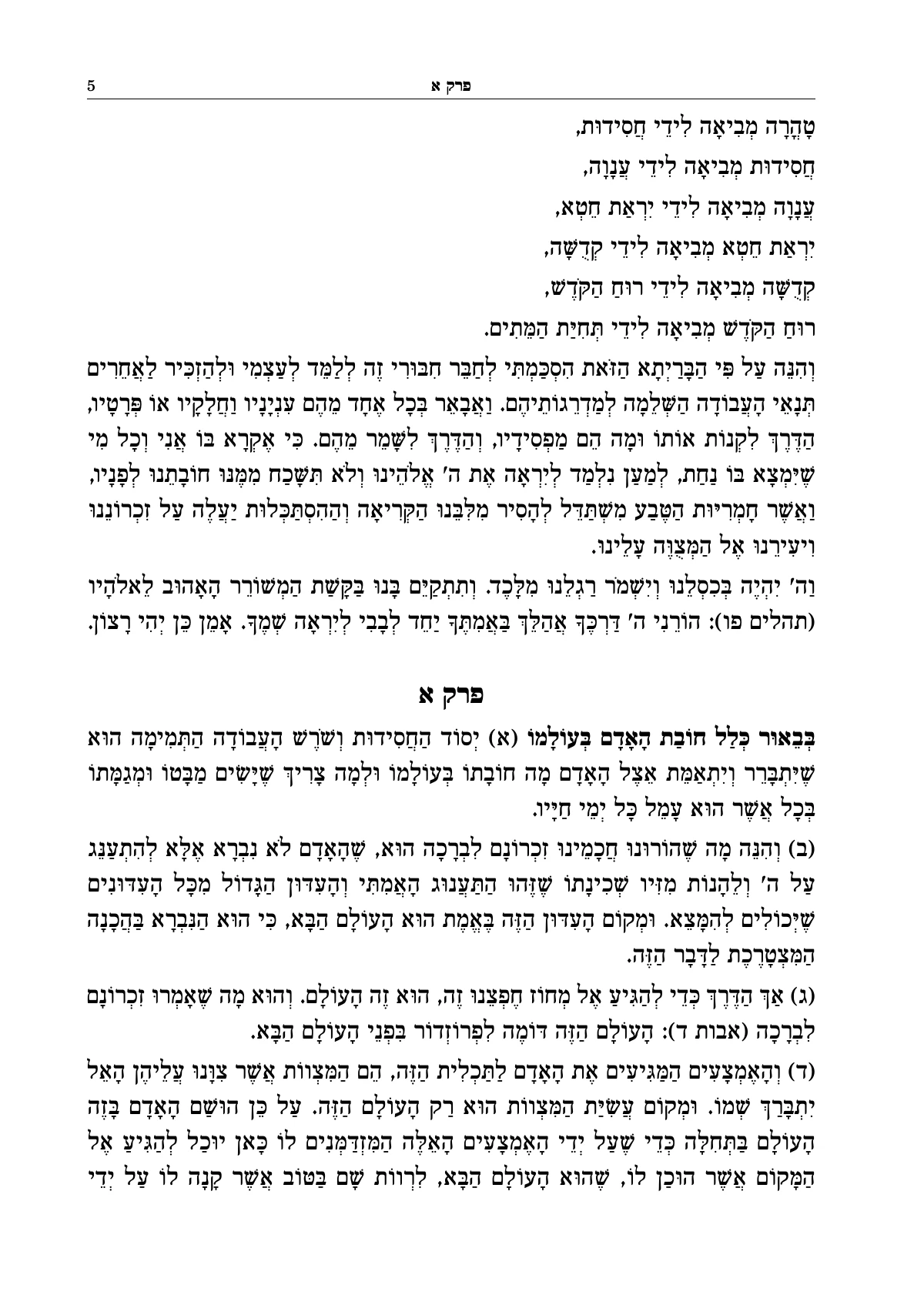
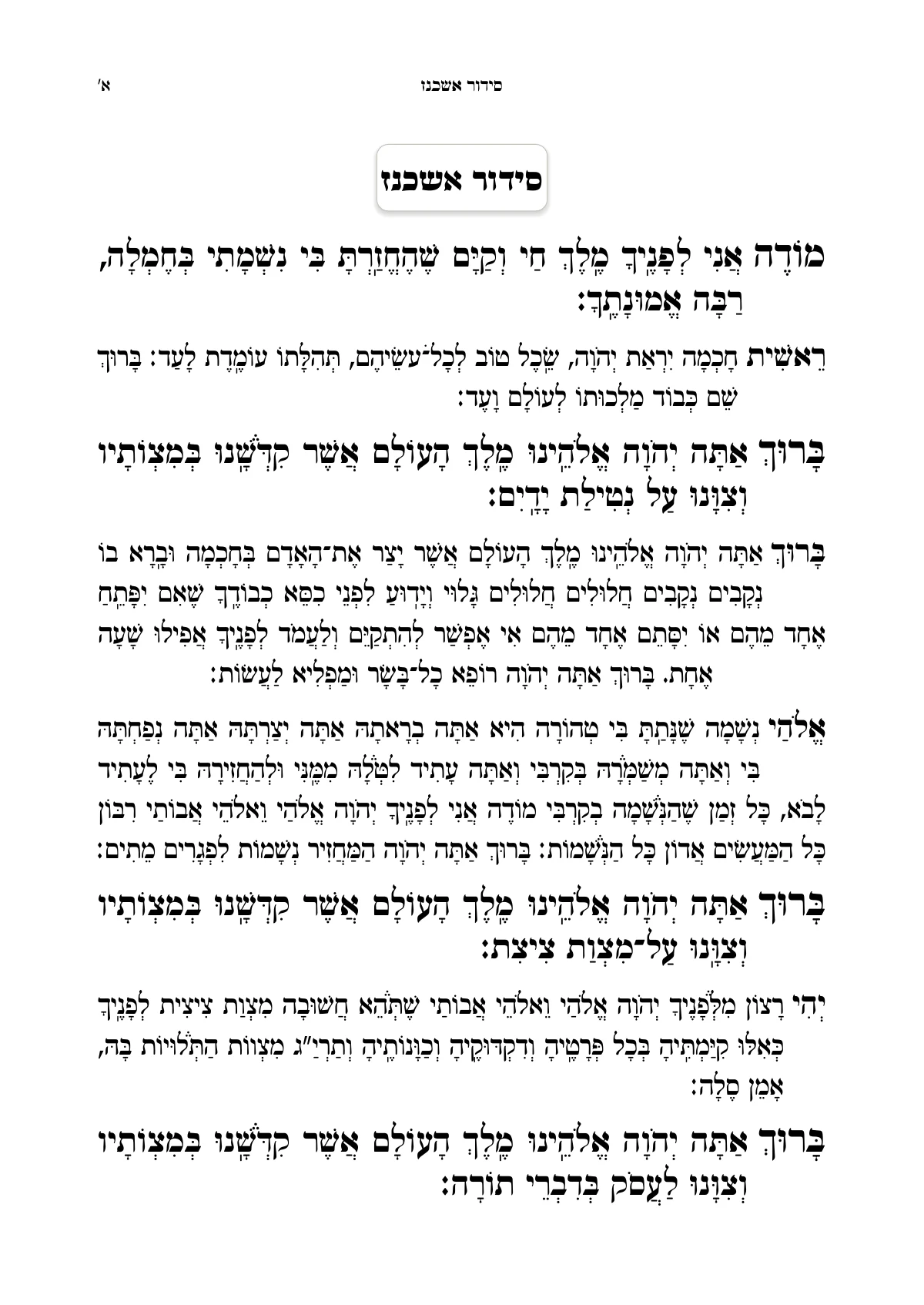
Word is a writing program, and a good one. If you are putting out a short kuntres without notes, you can typeset it in Word and manage. The closer the book comes to a real sefer, the more the problems everyone who has tried knows show up:
- A long note gets pushed to the next page, far from the word it was written on.
- Pages end at different heights, and two columns don't end on the same line.
- Correcting one word at the start of the book moves everything you arranged by hand after it.
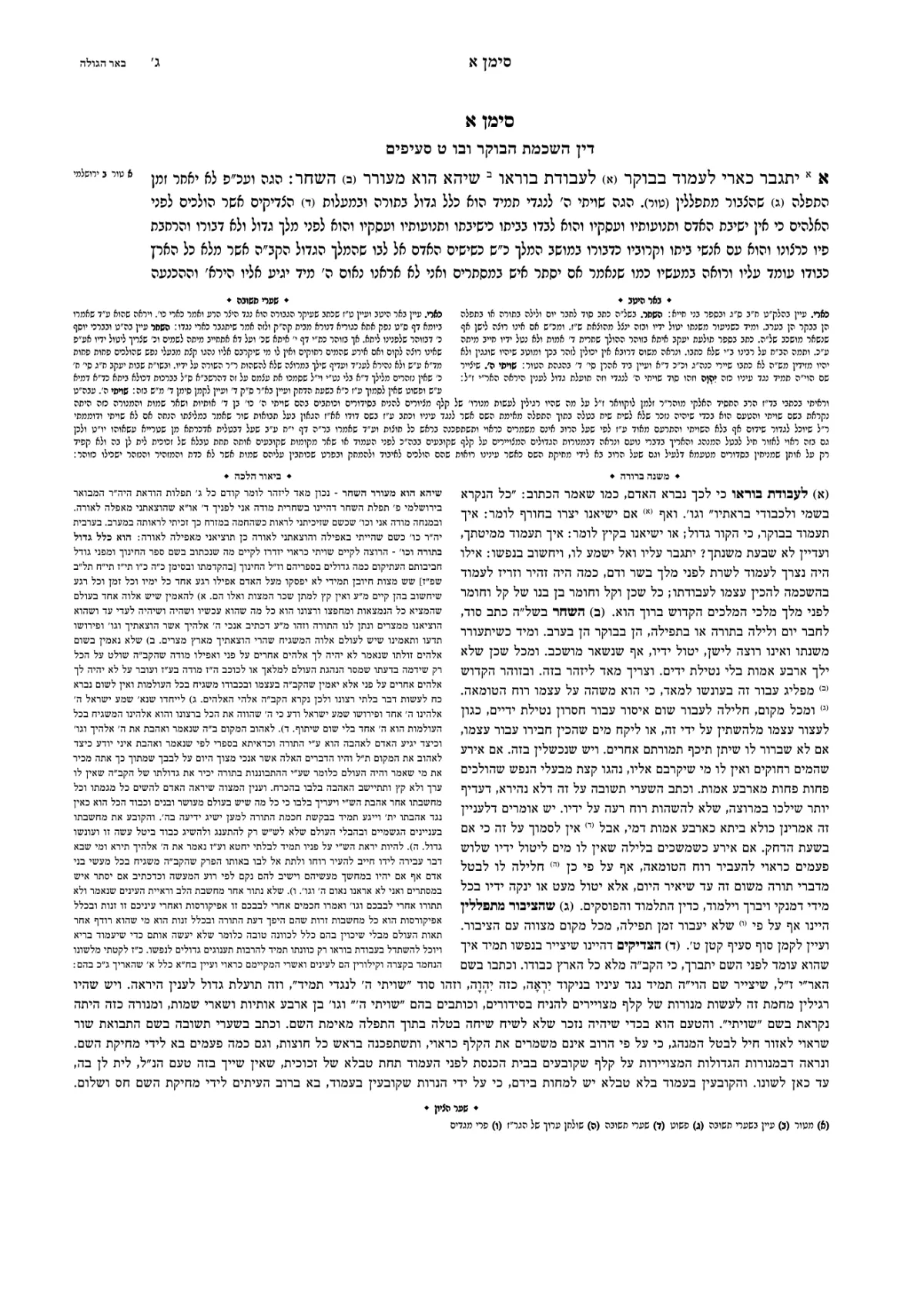
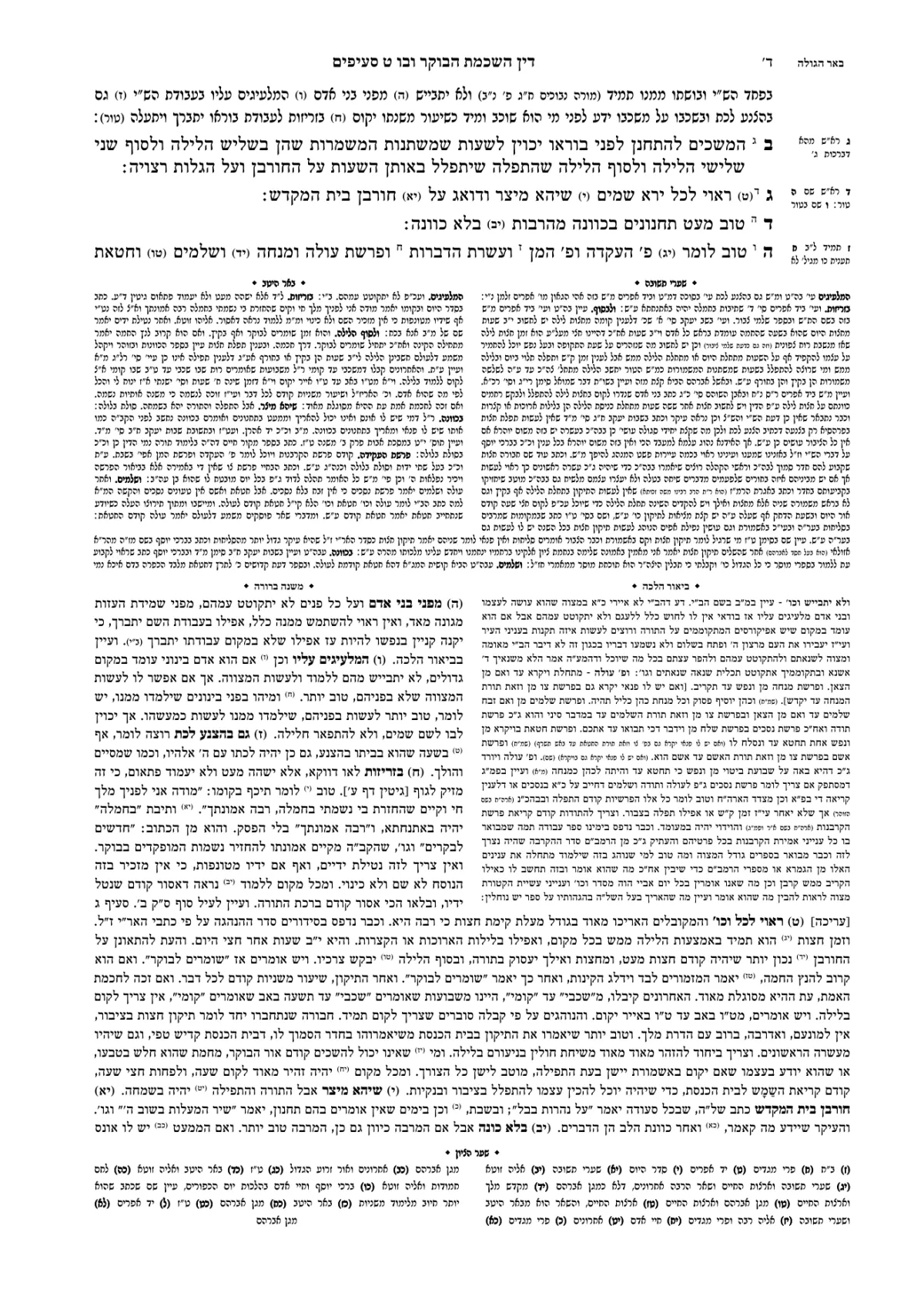
- Two sets of notes, or a commentary standing beside the text, take text boxes and handwork on every page.
- A running head that changes with the chapter, or page numbers in Hebrew letters, take workarounds.
There are add-ins that make typesetting seforim in Word easier, and they are a reasonable answer for a simple book. But they work inside Word's limits. Typesetting software lays out the whole book at once, and lays it out again after every correction.
What happens to the file when you upload it to Ariach
You upload the file as it is. There is no need to clean it up or convert it to another format. Ariach reads the structure that is already there:
- Footnotes become notes on the page, and each note stays tied to its word.
- Headings stay headings, at their levels, even when in Word they are only bold and large. The table of contents is built from them, and a table of contents typed by hand comes in as text: delete it.
- Bold text, and Word's character and paragraph styles, become the book's styles. The book opens at once, and the Assistant shows what was read from the file: how many headings and how many notes. From there you correct it and change the design.
- Word's page breaks aren't kept, but headings that opened a page in the file open one in the book too. Automatic numbering is written into the text as it looks in Word. Word's headers aren't imported, on purpose: the running heads are set in the book's settings.
A commentary written in a separate file
Many seforim are written in two files: the text in one, and the commentary or the notes in another, each piece opening with its dibbur hamaschil. In Ariach you upload the second file too, and each dibbur is placed beside the word it explains.
A place the software isn't sure of, such as a dibbur that appears twice in the same chapter, is flagged for you to check. Corrected the commentary file after the import? Upload the corrected version, and the corrections go into the book.
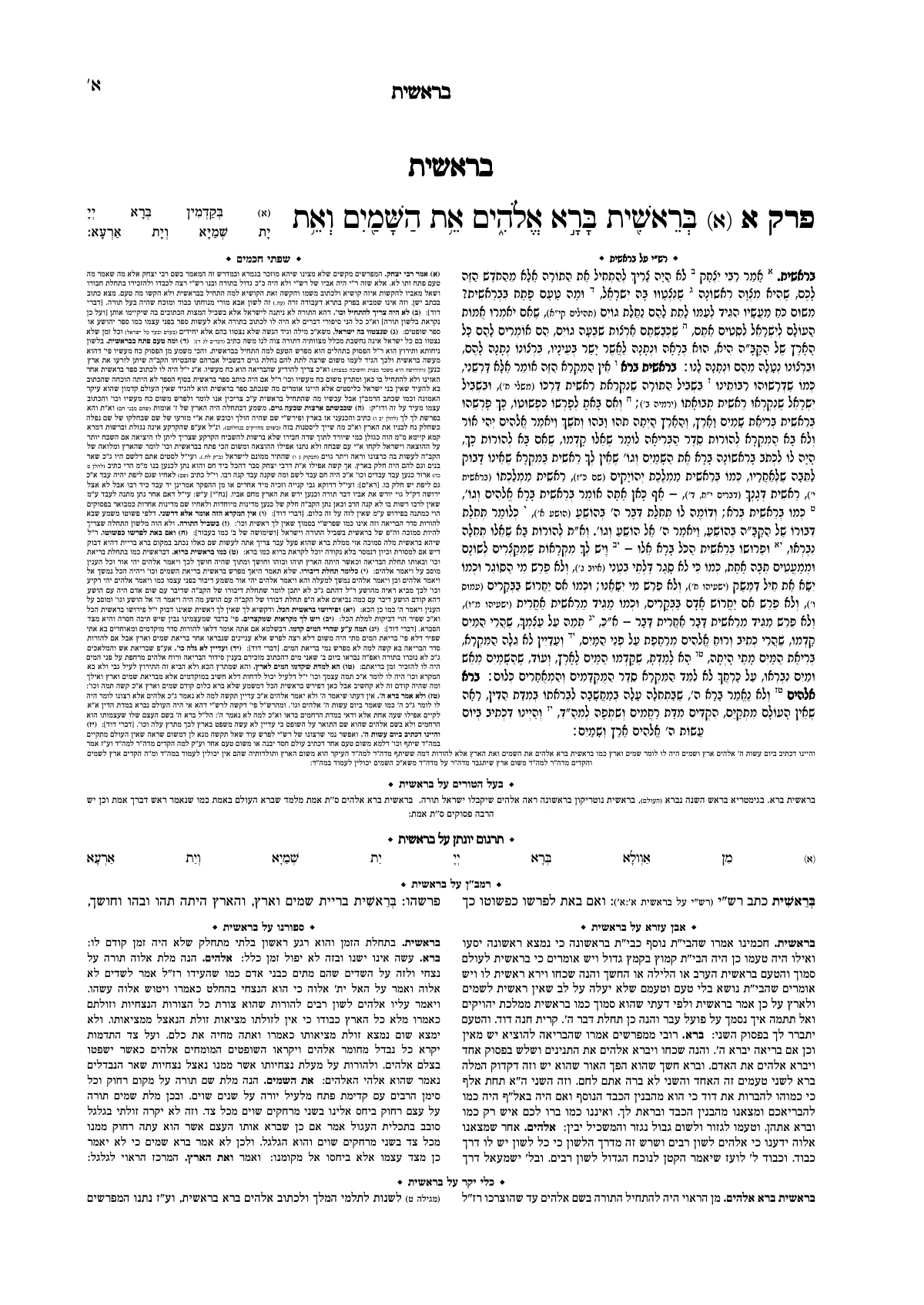
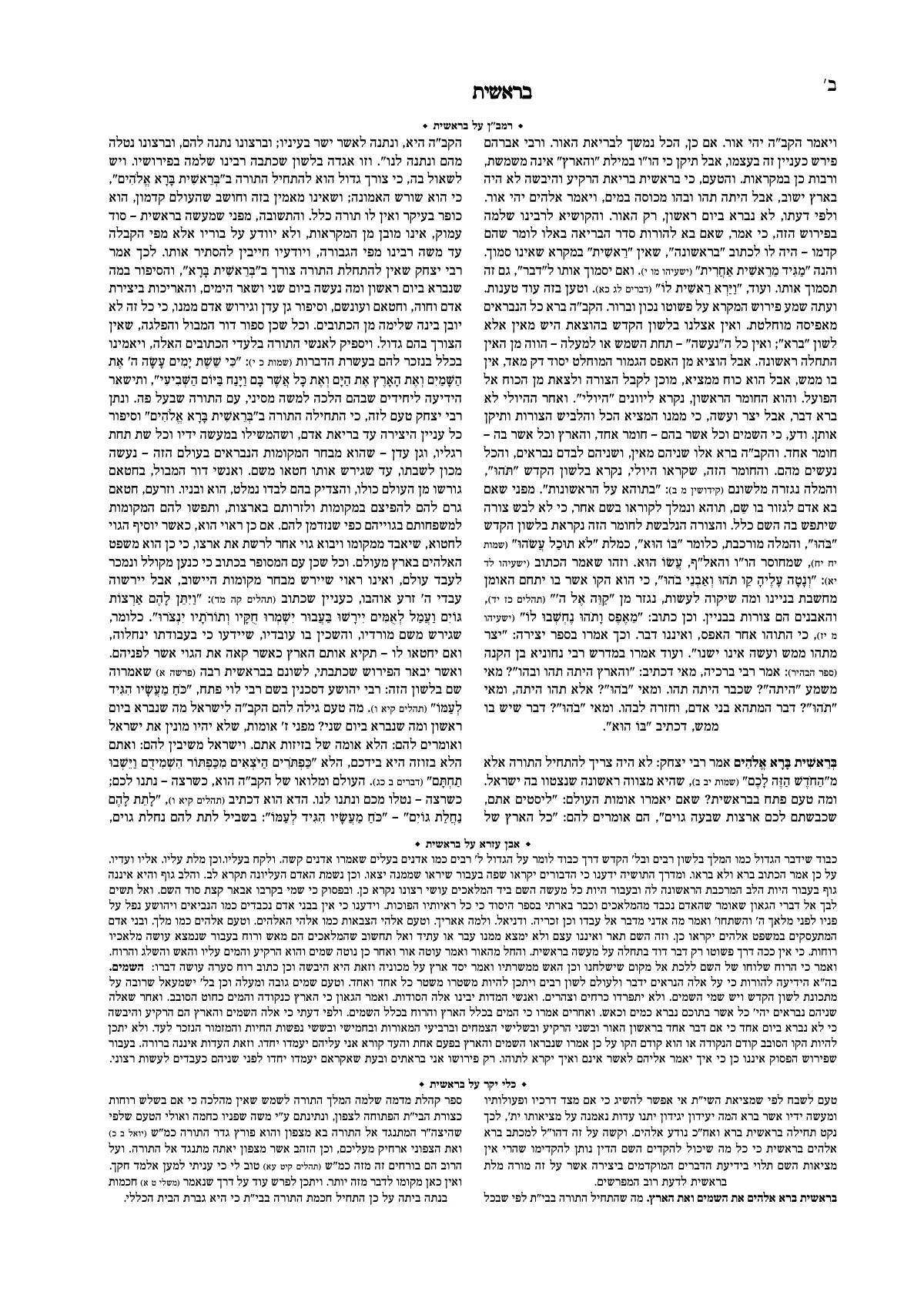
This is also how you build a sefer with the commentaries around the text. That layout has a guide of its own: typesetting in Tzuras HaDaf.
From the file to a print PDF
Upload the file
Open an account, press “New book” and choose “I have a Word file”. The book opens typeset, with a title page, the text on one side and the pages on the other.
Choose how the book will look
Choose a ready-made design, or tell the Assistant in plain words: “Design the book like a sefer of halacha, clean and readable.” The font, the headings and the margins fall into place across the whole book.
Correct and proofread
Every correction in the text lays out the pages again. A page that didn't work out is flagged, with the reason and a suggested fix. A proofreader can read and comment in the same book at the same time.
Download a PDF for print
The PDF is identical to the pages on the screen, with the print settings the print shop asks for: color, bleed and crop marks.
Want to understand what is done at each stage of typesetting, whatever the software? How to typeset a sefer.