What you can ask the Assistant
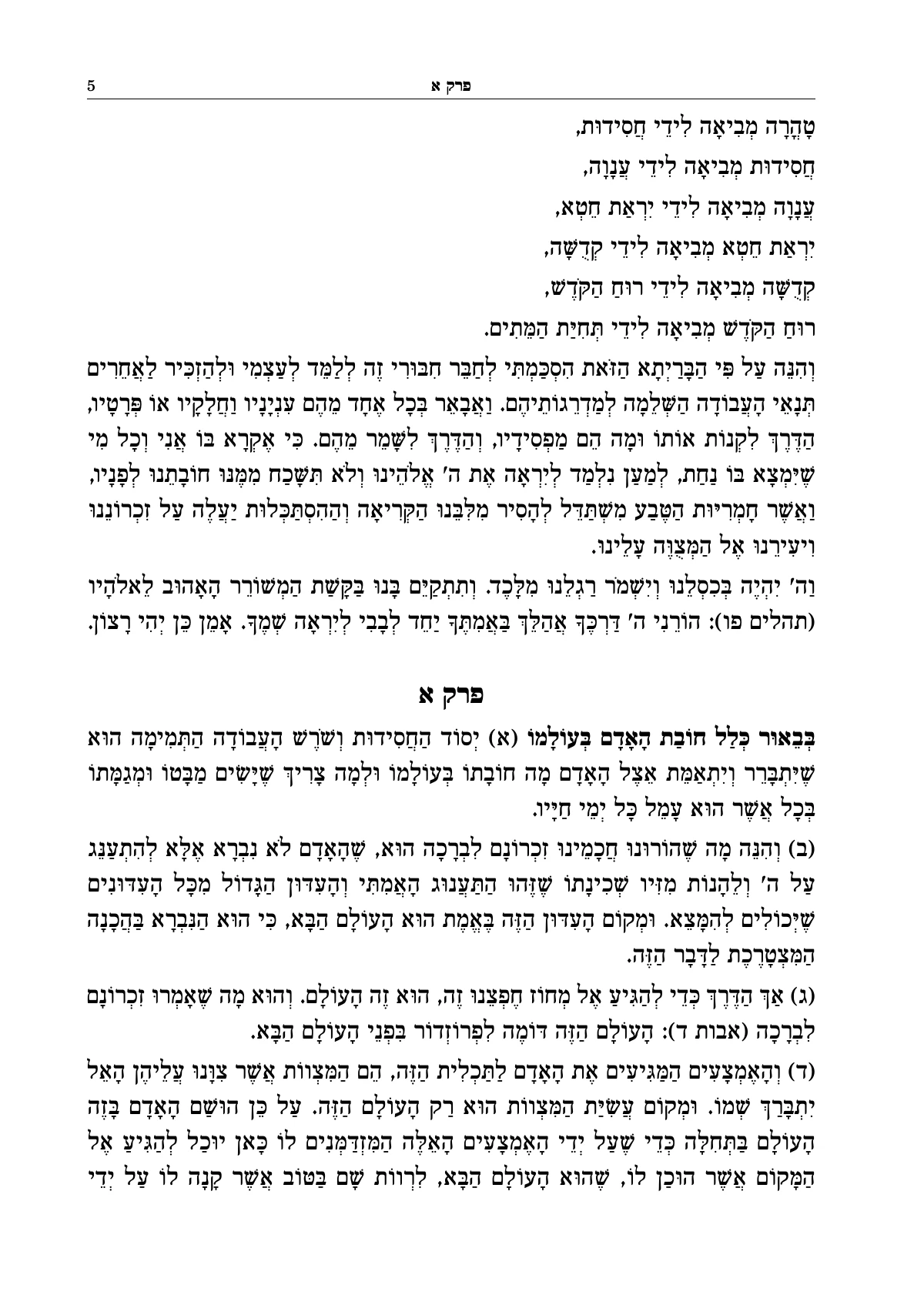
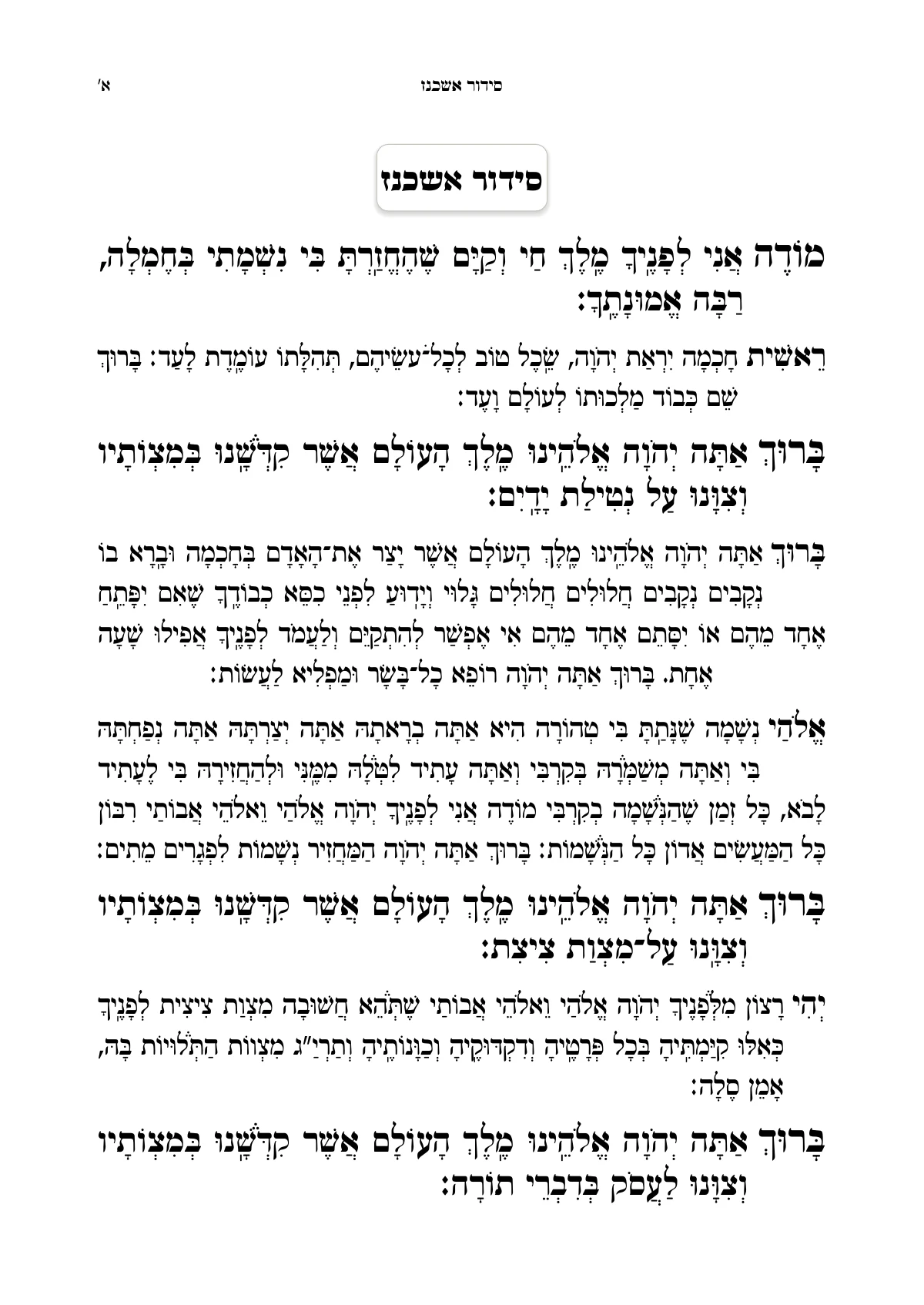
In typesetting software, most of the time goes on searching: where do you set this, and what is the setting called? Ariach's Assistant shortens the way. You say what you want, and it knows where that is set. Six areas, each with an example request:
- Design
- “I want two columns, with no line in the middle,” or “Give me a few design options.” The settings change throughout the book, and you see what they were and what they became.
- Headings and styles
- “Make the small headings smaller, and not bold,” or “Make every line that starts with פרק a heading.”
- Text
- “Remove all the bold in the text,” or “Replace every וכו׳ with וכולי.” The places are shown for your approval before anything changes.
- Otzaria
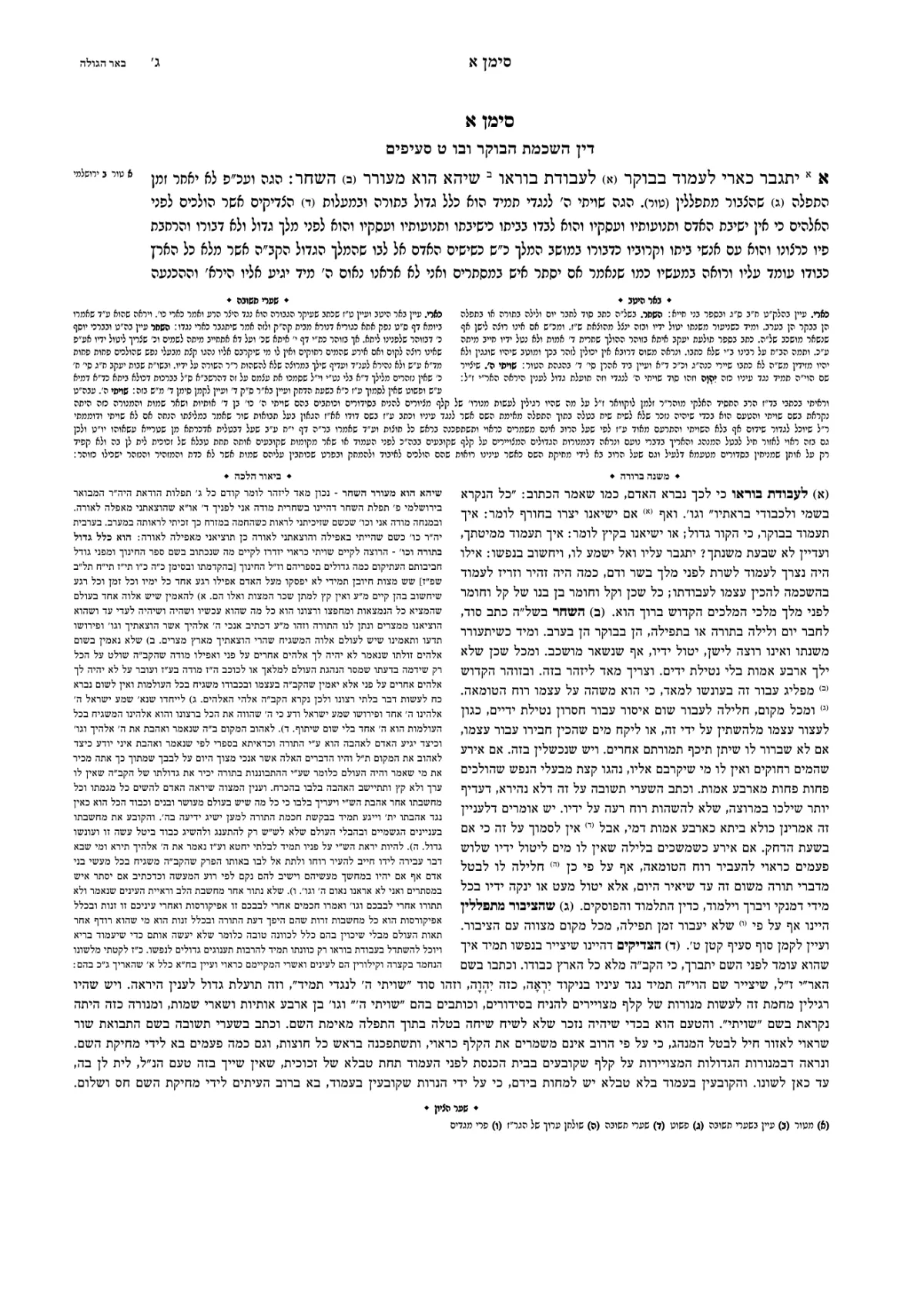
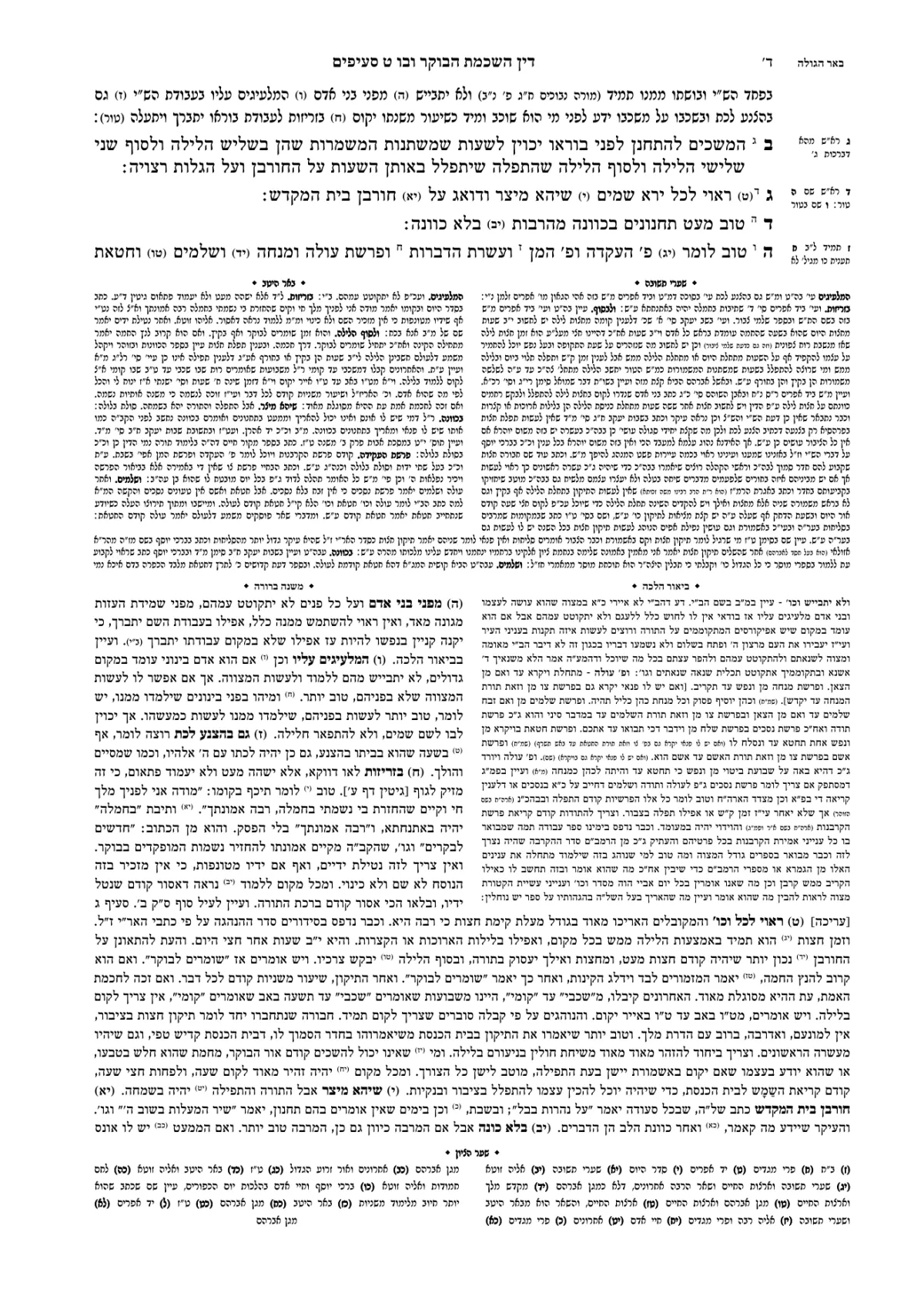
- “Bring Maseches Niddah from daf 15 to daf 20, with Rashi and Tosafos.” The sefer is built with its commentaries, each note in its place.
- Pages
- “Fix the pages flagged for review.” It applies the fixes the engine suggests, and whatever is still open stays flagged, with an explanation.
- Title page
- Select the title-page lines at the top of the file, and the Assistant suggests how to divide them into fields: what goes on the title page, what goes on the back of the title page, and what stays as text. Correct it, and create it all in one step.
Who arranges the pages: an engine, not a guess
This is the most important distinction on this page. The AI in Ariach doesn't decide how many lines go on a page, or where a note will stand. That is done by a typesetting engine: software that measures every letter, calculates the whole book at once, and gives exactly the same pages every time the text and the settings are the same.
For a printed book, that is critical. What you saw on the screen is what will be printed, and what you approved yesterday won't change by itself today. And when a page doesn't work out, the engine says why, instead of hiding the problem.
Three rules the Assistant works by
A sefer is no place for experiments. The Assistant was built so that you see everything it does in the book:
- It shows you before it changes the text. Before a sweeping change to the text it shows the places that will change, and waits for your approval. A design change goes in at once, with a list of what changed.
- It asks when something is unclear. A request that can be read more than one way gets a question back, with options to choose from.
- Every answer can be undone. Beside each of its answers there is “Undo”, and the book goes back to how it was before it.
Who it suits
For someone typesetting a first sefer, the Assistant is the difference between a week of learning and starting right away: you don't need to know what a “running head” is to ask for the chapter's name at the top of the page. For a professional typesetter it is a shortcut for repetitive work, and full manual control stays in the settings panel.
- Starting from a Word file: typesetting a sefer from Word.
- Learning the steps: how to typeset a sefer.
- Comparing software: Ariach, Tag, InDesign or Word.