Guide

Typesetting a Chumash with commentaries: Mikraos Gedolos in tiers

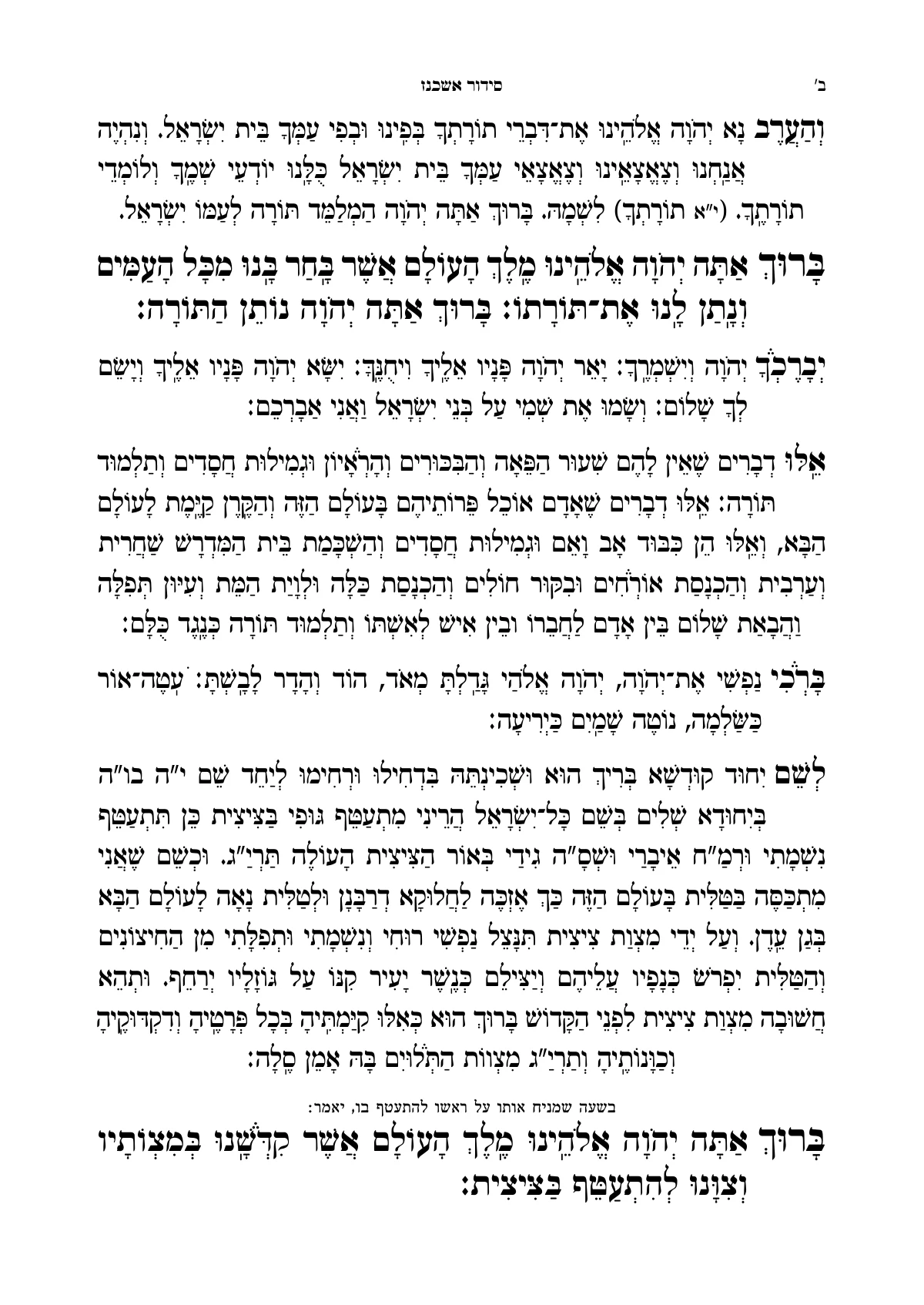
A Chumash with commentaries is typeset in tiers: the pasuk and its translation at the top, and Rashi and the other commentaries below them, each dibbur on the page of its pasuk. In Ariach you bring a Chumash from Otzaria with the commentaries you choose, or a commentary of your own from Word, and the engine lays out the whole parsha at once, with up to sixteen commentaries.

Updated November 9, 2026 · 6 min read

What Mikraos Gedolos is

Mikraos Gedolos is a Chumash in which the pasuk and its translation stand at the top of the page, and the commentaries are arranged below them in tiers. Every dibbur of every commentary has to stand on the page of the pasuk it explains, and when one commentary runs on, the others have to share the space that is left. It is one of the hardest books to typeset by hand.

At the top
The pesukim, with the translation beside them: Onkelos, or another targum.
The first tier
Rashi, sometimes with another commentary beside it.
The tiers below
Ramban, Ibn Ezra, Sforno and the other commentaries you chose, each in its own font and size.
Commentary on a commentary
Sifsei Chachamim on Rashi, or a commentary of your own on one of the meforshim.

How Ariach lays out the page

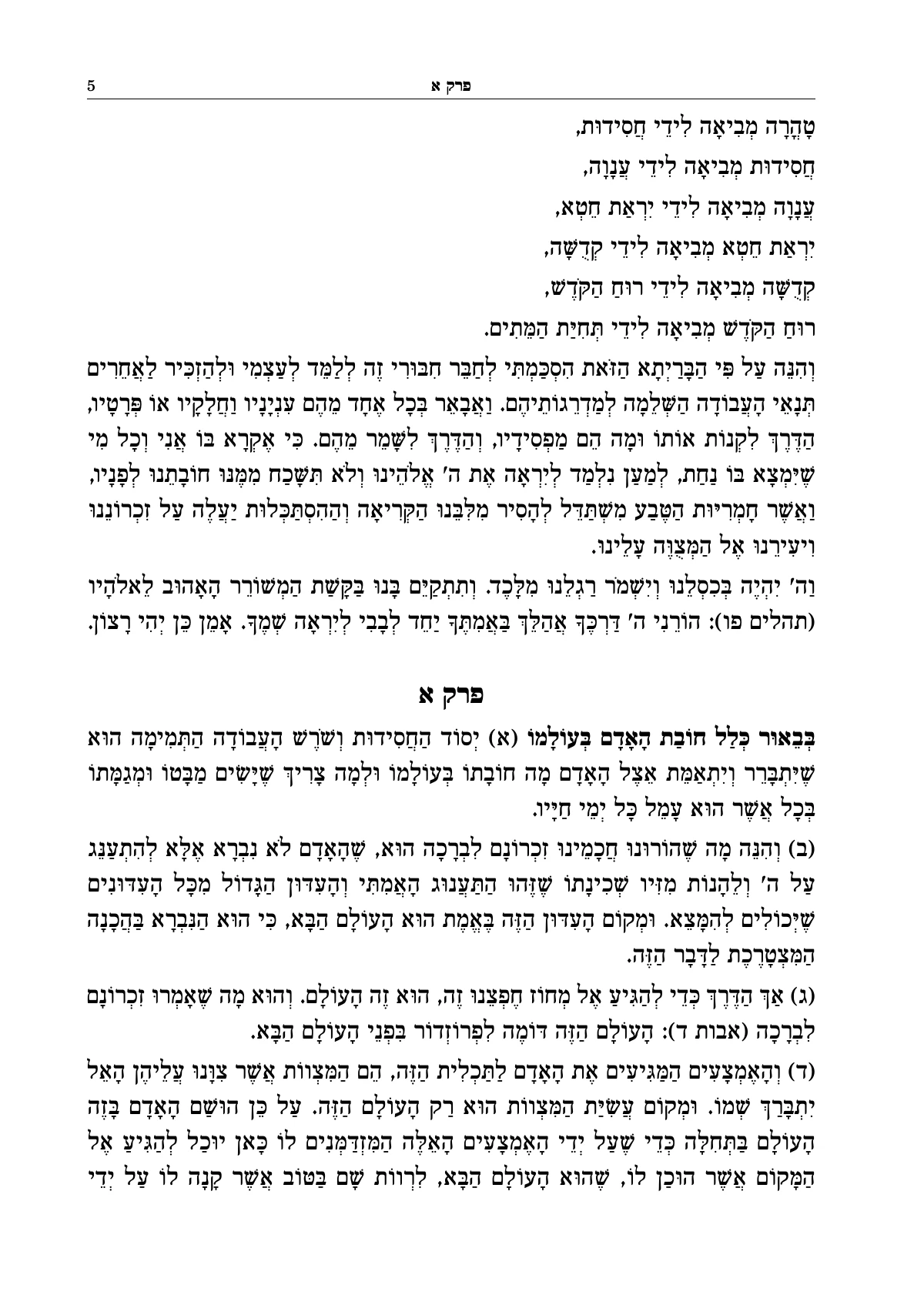
Ariach’s typesetting engine chooses the page breaks of the whole parsha at once. Each commentary’s first note on the page’s lines starts on it, and the following ones continue to the next page only when the page is full. A commentary with little left gets all of it, and the rest share the space equally.

When the text comes from Otzaria, the Masoretic marks are read too: pesuchah and setumah, kesiv and kri, as styles you can design. Chapter headings are set by themselves, and each weekly parsha is built as one run of pesukim.

From the Chumash to the print file

  1. Bring in the text

    A Chumash from Otzaria with the commentaries you choose, or your own text from Word, with each commentary in a file of its own.

  2. Choose a layout and design

    Which commentary in each tier, in which font and size. You can also tell the Assistant: “add the Ramban from Otzaria”.

  3. Go over the pages

    A page that didn’t work out is flagged with the reason. Typesetter’s instructions are anchored to words, and stay in place after corrections too.

  4. Download a print PDF

    Identical to the pages on screen, with bleed and crop marks.

For a Gemara with Rashi and Tosafos around the text: typesetting in Tzuras HaDaf.
Frequently asked questions

Have a question? We're glad to help.

About your book, a problem or an idea. We usually answer within a business day.

Can I get a Chumash with commentaries ready, without typing?

Yes. From the Otzaria library you bring a Chumash together with the commentaries you choose. It opens with Onkelos and is built as a book you can typeset, edit and add a commentary of your own to.

How many commentaries can go on a page?

Up to sixteen commentaries around the text. Each commentary gets a tier of its own, and each its own font, size and width. Space left on the page is shared among the commentaries that continue to the next page.

Can I have a commentary on a commentary, like Sifsei Chachamim on Rashi?

Yes. A commentary can explain another commentary, and each of its dibburim stands on the page of the dibbur it explains, just as Rashi’s dibburim stand on the page of their pasuk.

I have a commentary of my own in a Word file. How does it go in?

Upload it as a separate file, and each dibbur hamaschil is placed beside the word it explains. A place the program isn’t sure of is flagged for checking, not quietly guessed.

What happens when the commentary on one pasuk is longer than a whole page?

The commentary starts on the page of the pasuk and continues to the following pages. Such a page may be flagged for checking, with the reason and what you can do: drag the division of the page between the texts, or apply a suggestion with a click.

More from the blog

Found a mistake, or something missing? Write to us: support@ariach.com

Open the sample book, and change something in it

The sample book opens at once, with no sign-up. When you want to typeset a book of your own, open an account and upload the file.

Open an account

A question before you start? Write to us, and we usually answer within a business day.